
Dirty Cell Phones: How to Safely Clean Your Smartphone and Eliminate Germs
Key Points
Phones may harbor more bacteria than toilets.
Clean your phone daily with 70% isopropyl alcohol wipes or UV sanitizers.
Avoid harsh chemicals and abrasive materials.
Remove fingerprints, sand, and makeup gently.
Safe phone hygiene protects your health and your device.
Introduction
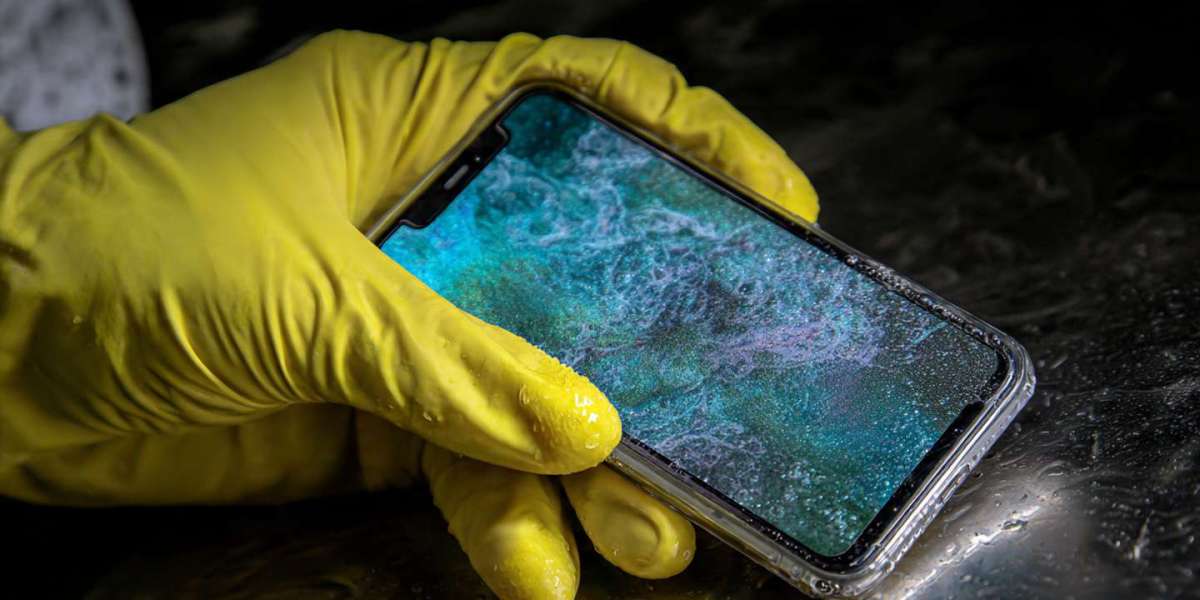
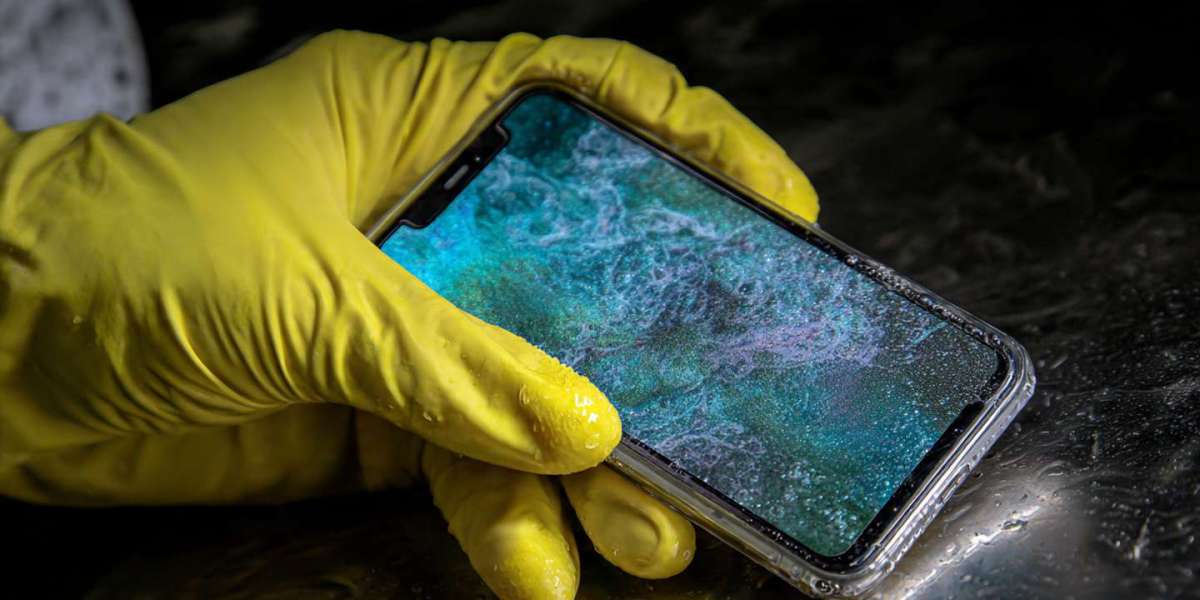
Your smartphone is everywhere you are—gyms, kitchens, public transport, and even bathrooms. Research shows that your phone may carry more bacteria than a public toilet seat. Every touch transfers germs, oils, and makeup residue directly onto your device. If left uncleaned, your phone can become a major health risk for you and your family.
advertisement
Why Your Phone Gets So Dirty
Phones collect germs because we take them almost everywhere. Public surfaces like door handles, shopping carts, and subway seats are breeding grounds for bacteria. Over time, the oils from your fingers and residue from makeup and food create a sticky layer of grime.
Different perspectives:
The FCC recommends daily phone cleaning.
Experts warn that harsh chemicals can damage screen coatings, so cleaning methods must be safe and gentle.
advertisement
Safe Methods to Clean Your Phone
Daily Cleaning
Use disinfectant wipes containing 70% isopropyl alcohol.
Spray a 70% alcohol solution on a soft, lint-free cloth and wipe the phone (never directly on the device).
Apple, Samsung, and AT&T approve these methods.
For tech-friendly options, UV sanitizers like PhoneSoap kill 99.99% of germs.
Removing Fingerprints, Sand, and Makeup
Fingerprints: Microfiber cloth, lightly dampened with distilled water.
Sand or debris: Use Scotch tape, a small vacuum tool, or gently a toothpick.
Makeup residue: Avoid regular makeup remover. Use alcohol-free screen cleaners like Whoosh or slightly damp microfiber cloths.
Cleaning Waterproof Phones
Even waterproof phones (IP67 or above) should not be submerged. Wipe gently with a damp cloth and dry all ports to prevent water damage.
advertisement
Things to Avoid When Cleaning Your Phone
Hand sanitizer
Window or kitchen cleaners
Paper towels
Dish or hand soap
Vinegar
Compressed air
Using harsh products can strip protective coatings and damage your phone, making it more prone to scratches and bacteria accumulation.
advertisement
Conclusion
Your phone is more than just a gadget—it’s a potential germ hotspot. By adopting safe, daily cleaning habits, you can protect yourself and your family from harmful bacteria. Use gentle alcohol-based wipes or UV sanitizers, remove fingerprints and debris, and avoid harsh chemicals. With consistent care, your smartphone becomes a cleaner, safer device for everyday life. Remember, phone hygiene is essential for both health and the longevity of your device.
FAQ
Q1: Can I use hand sanitizer on my phone?
No. Fragrances and ethyl alcohol can damage screens. Use 70% isopropyl alcohol wipes.
Q2: How often should I clean my phone?
Daily, especially after visiting public places.
Q3: Can I submerge a waterproof phone for cleaning?
No. Use a damp cloth and dry ports carefully.
Q4: Can I use makeup remover on my phone?
No. Use alcohol-free, screen-safe cleaners or lightly damp microfiber cloths.
Q5: Are UV sanitizers effective?
Yes. Devices like PhoneSoap kill 99.99% of germs without harming the phone.
Sources:
Thank you and Merry Christmas!